![logo-black-tangible_growth 1-1.png]](https://support.tangible-growth.com/hs-fs/hubfs/logo-black-tangible_growth%201-1.png?height=23&name=logo-black-tangible_growth%201-1.png)
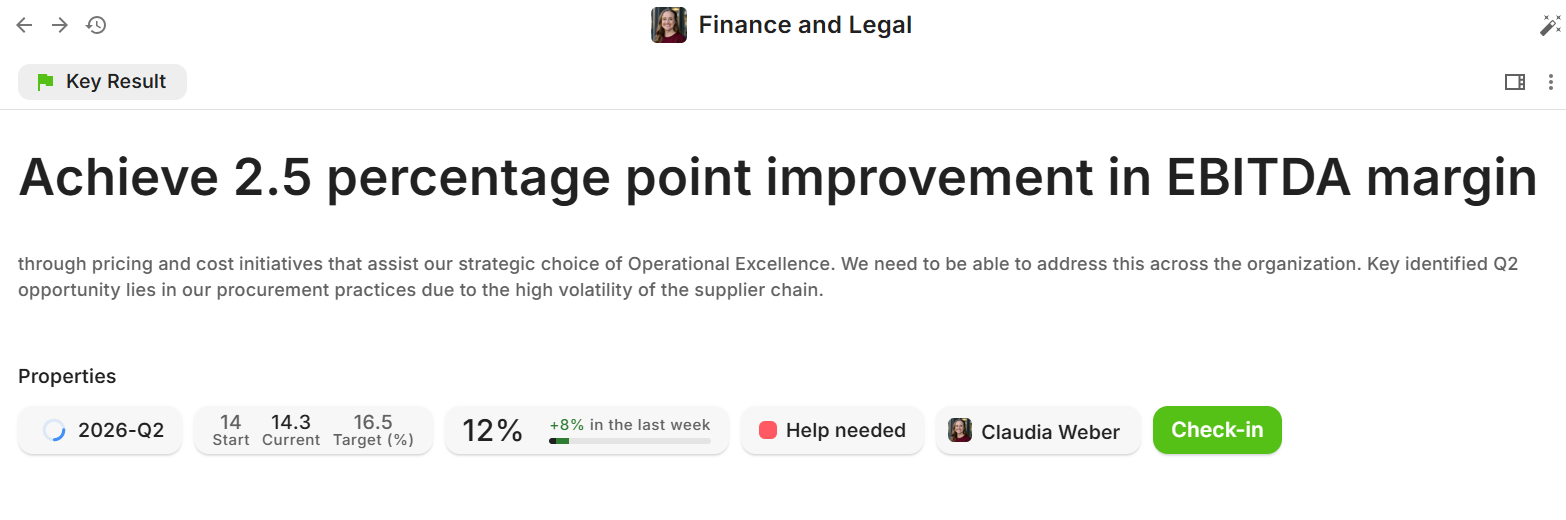
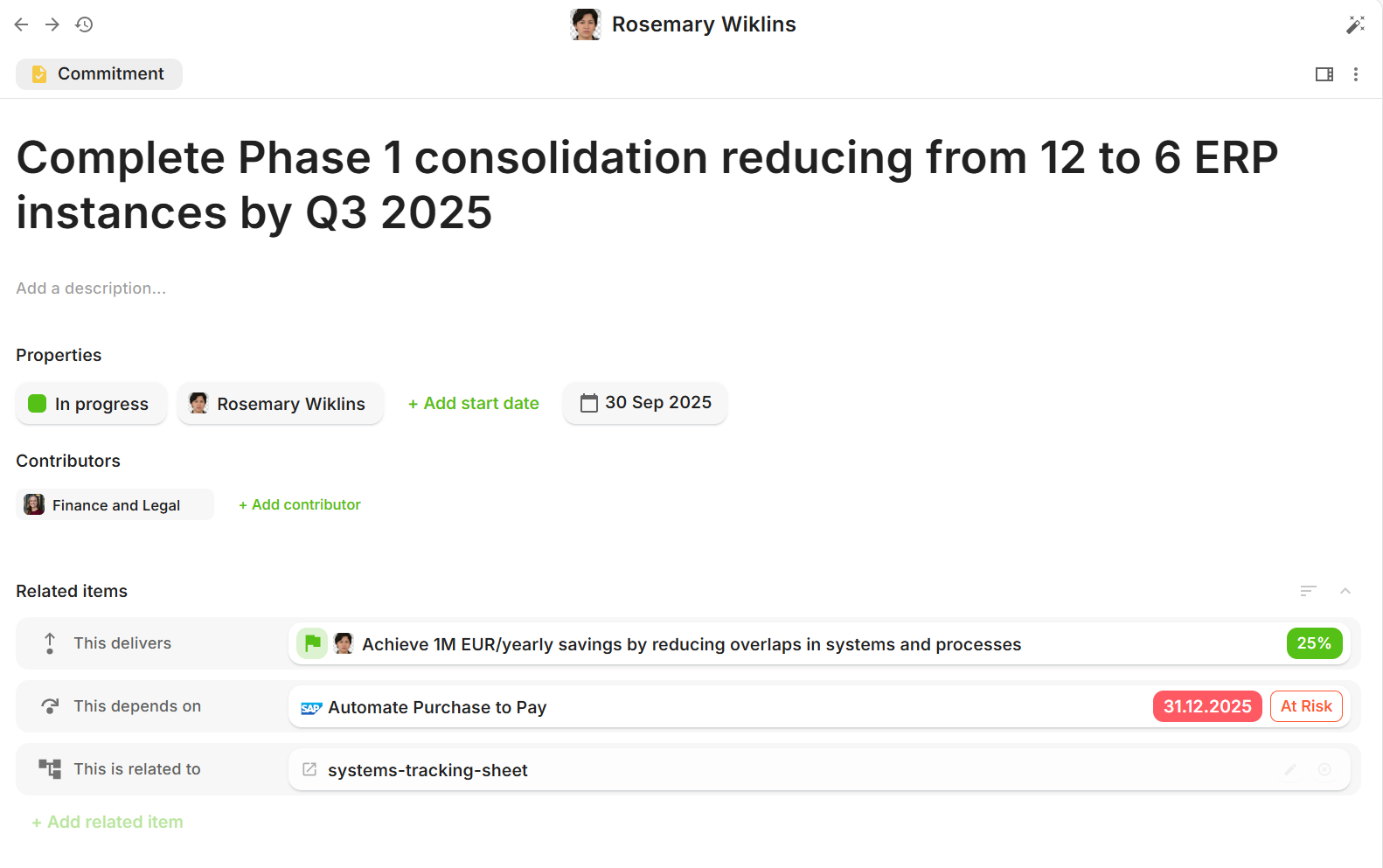
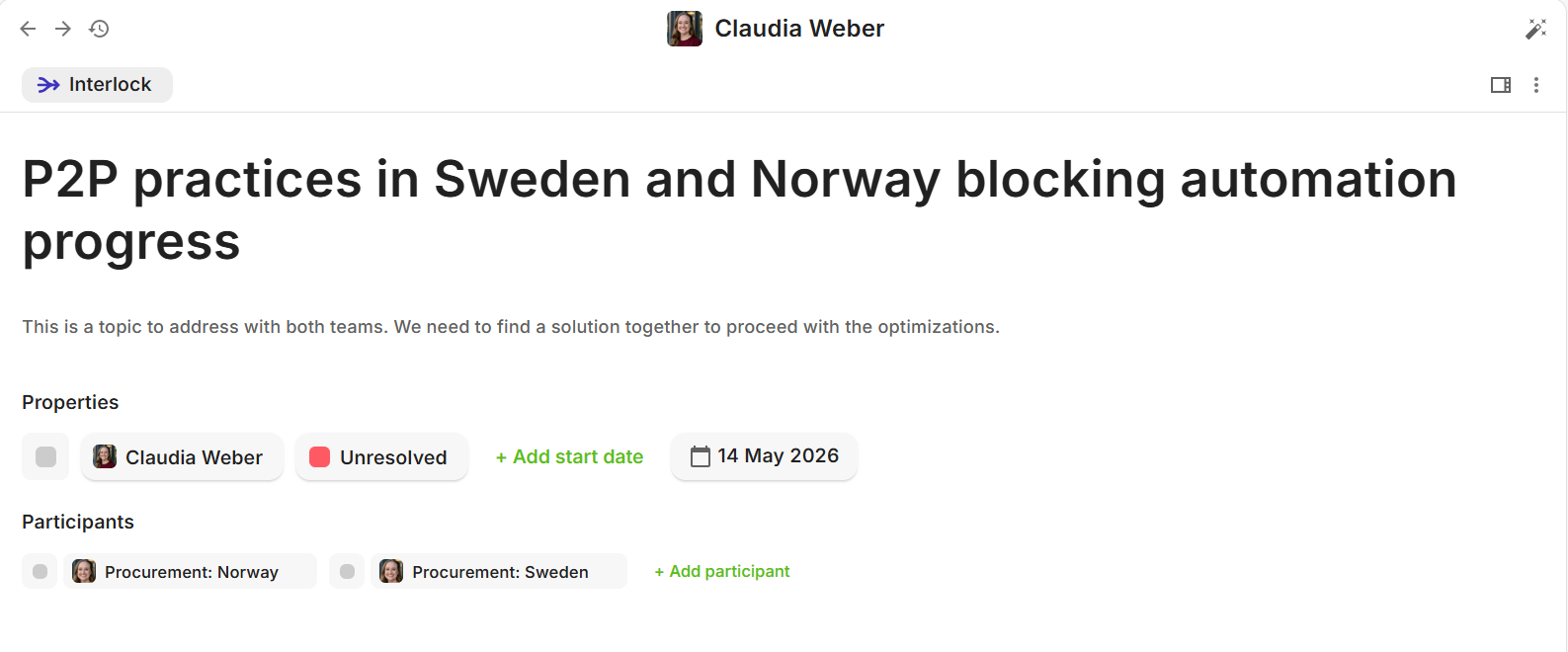
The interface is now different from what it was. There are no longer dialogs that would jump up when you open Objectives, Key Results, Commitments or Interlocks. Almost everything opens up in the page.
We hope this UX helps you to understand where you are and how you got there and navigate from the strategy to the details of the implementation in the integrated tools.
There are some key changes highlighted below that you might need to understand:
-
You can now navigate back and forth with browser navigation buttons or the buttons in TG interface

-
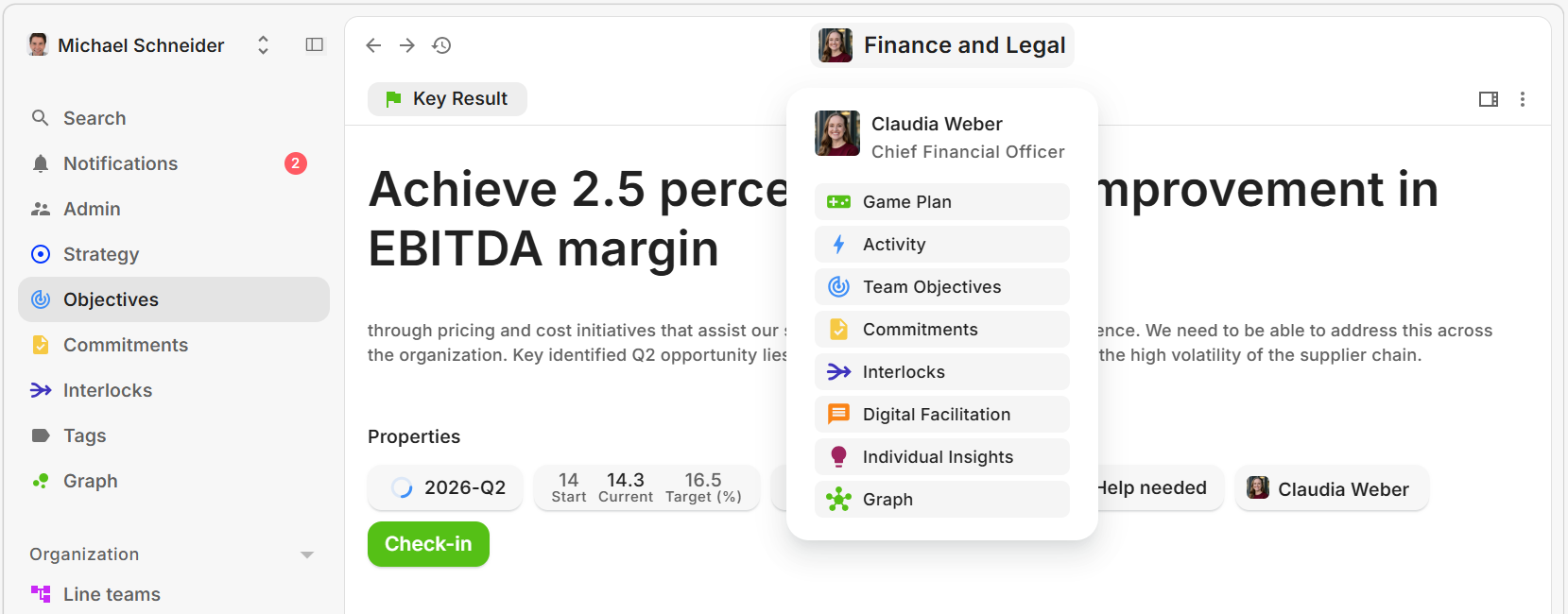
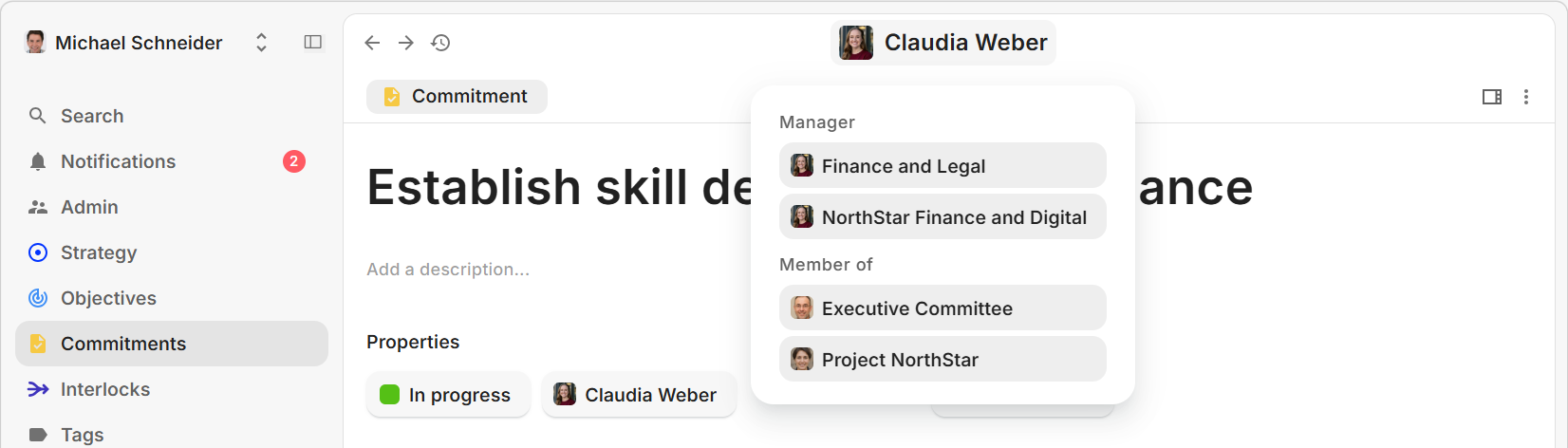
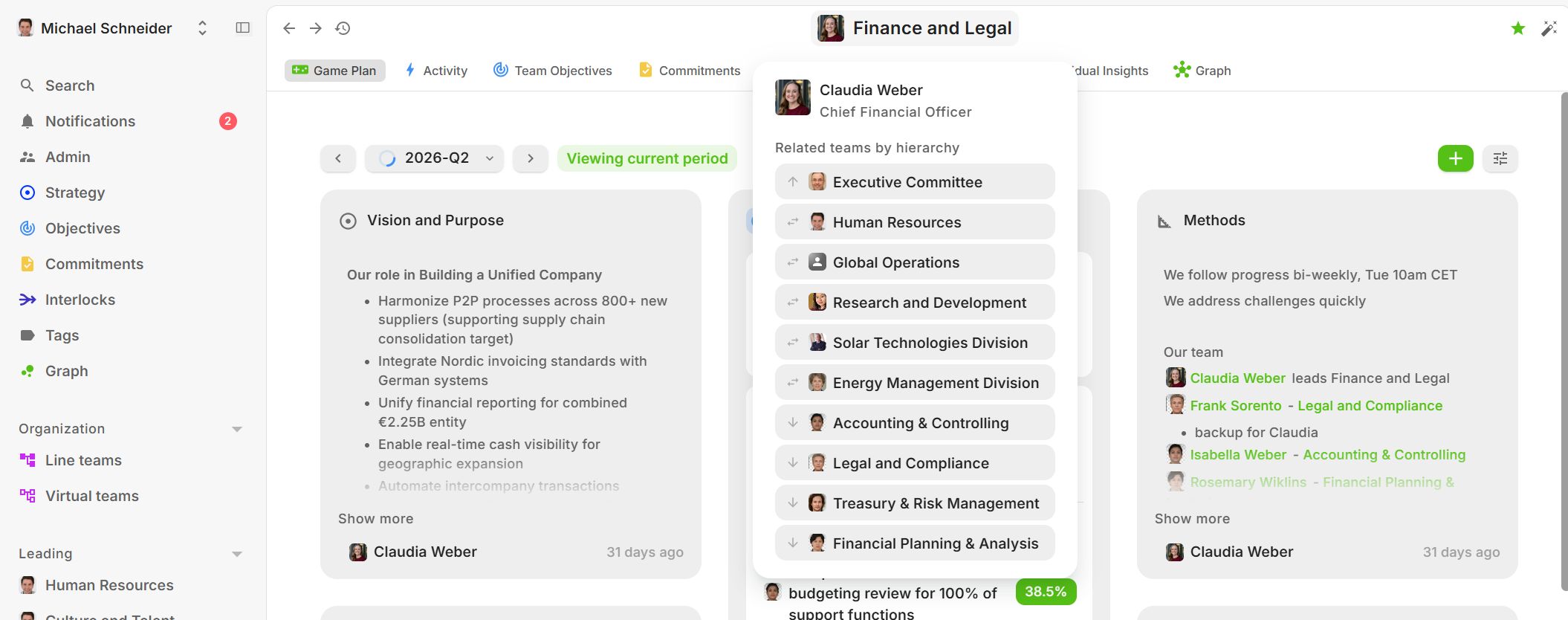
You can navigate also with the central images/names
- When you do so from an Objective or Key Result, you see the team functionality navigation
- When from Commitment or Interlock (Person name shown), you see the persons teams
- When you are viewing a team (Game Plan, Activity etc.), you see the team navigation
- When you do so from an Objective or Key Result, you see the team functionality navigation
- In the Objectives, Key Results, Commitments and Interlock views the settings panel is now hidden by default, you can expand and collapse it from the "Panel" icon:
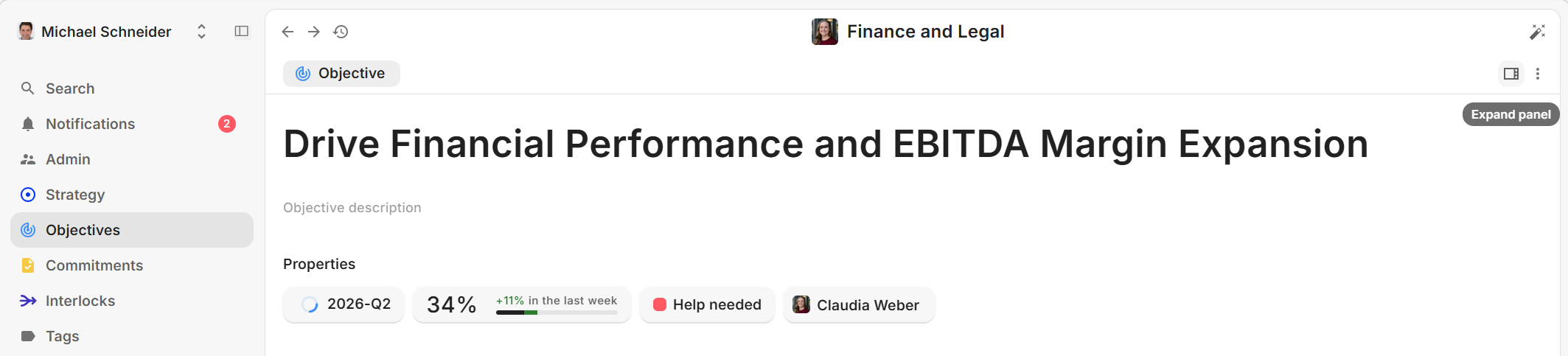
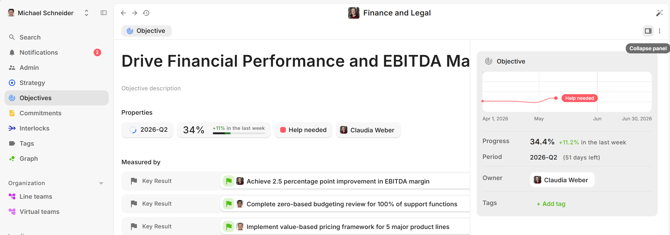
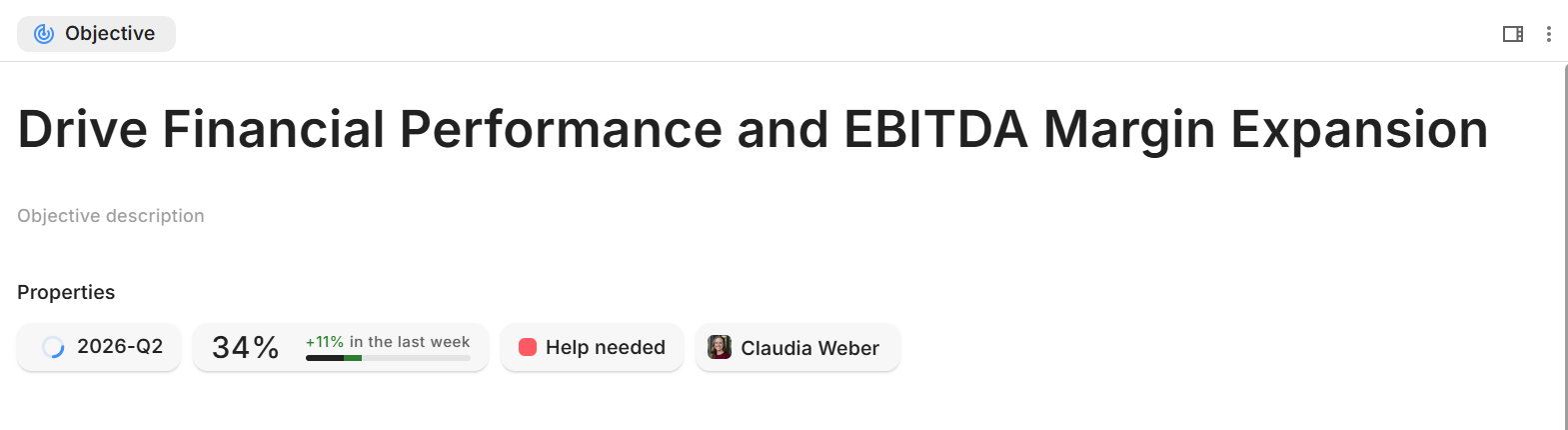
- The most important properties are shown directly under the Objective, Key Result, Commitment and Interlock description. They are typically clickable with editing mode enabled or showing more details when clicked.