![logo-black-tangible_growth 1-1.png]](https://support.tangible-growth.com/hs-fs/hubfs/logo-black-tangible_growth%201-1.png?height=23&name=logo-black-tangible_growth%201-1.png)
Review items on the view and open up more details if needed
- You can see the current status and the change in the defined time period.
- You can see insights on the status
- And further details of the items, per your selected fields.
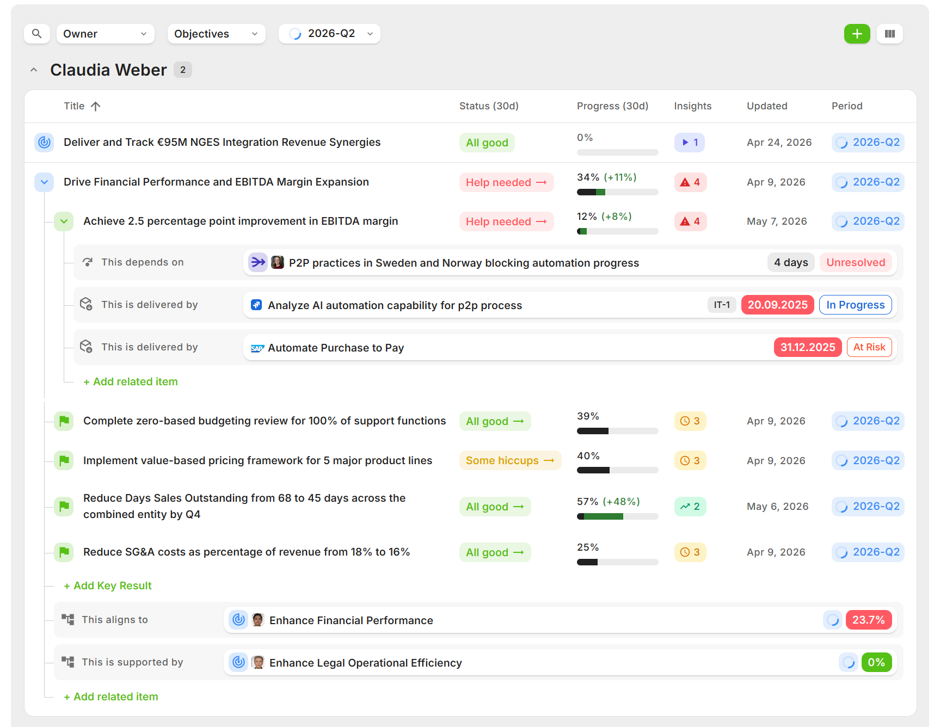
You can get more details of the reasons for the categorization and update the items directly from the view: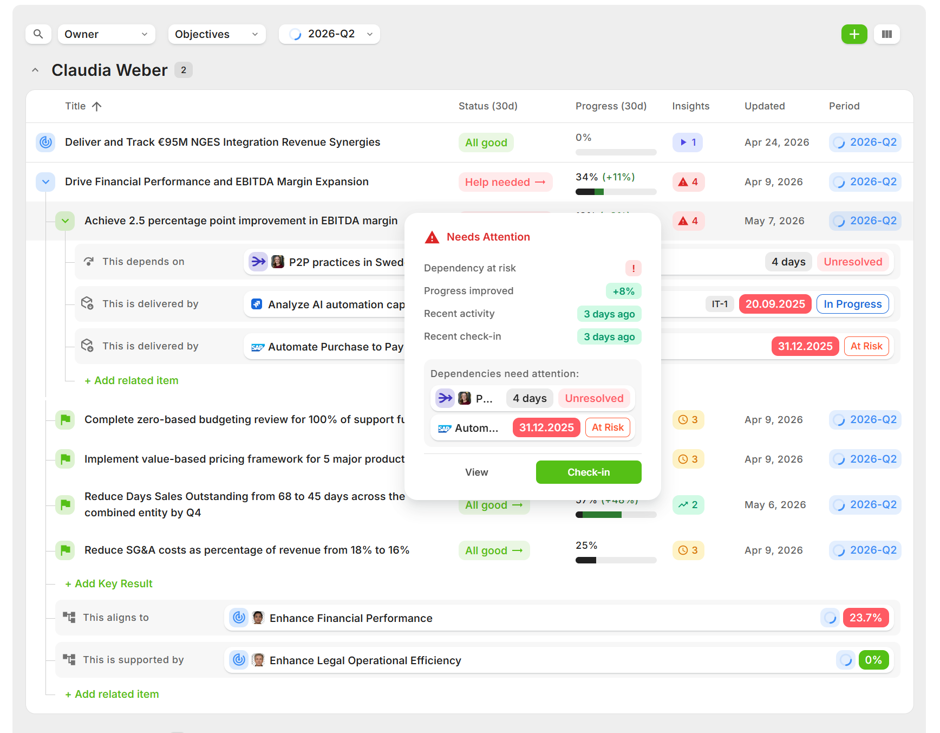
You can add more items directly from the view when needed by using the plus icon on the top right corner, or the "Add related items" links on the list.